Create New Holiday Calendar
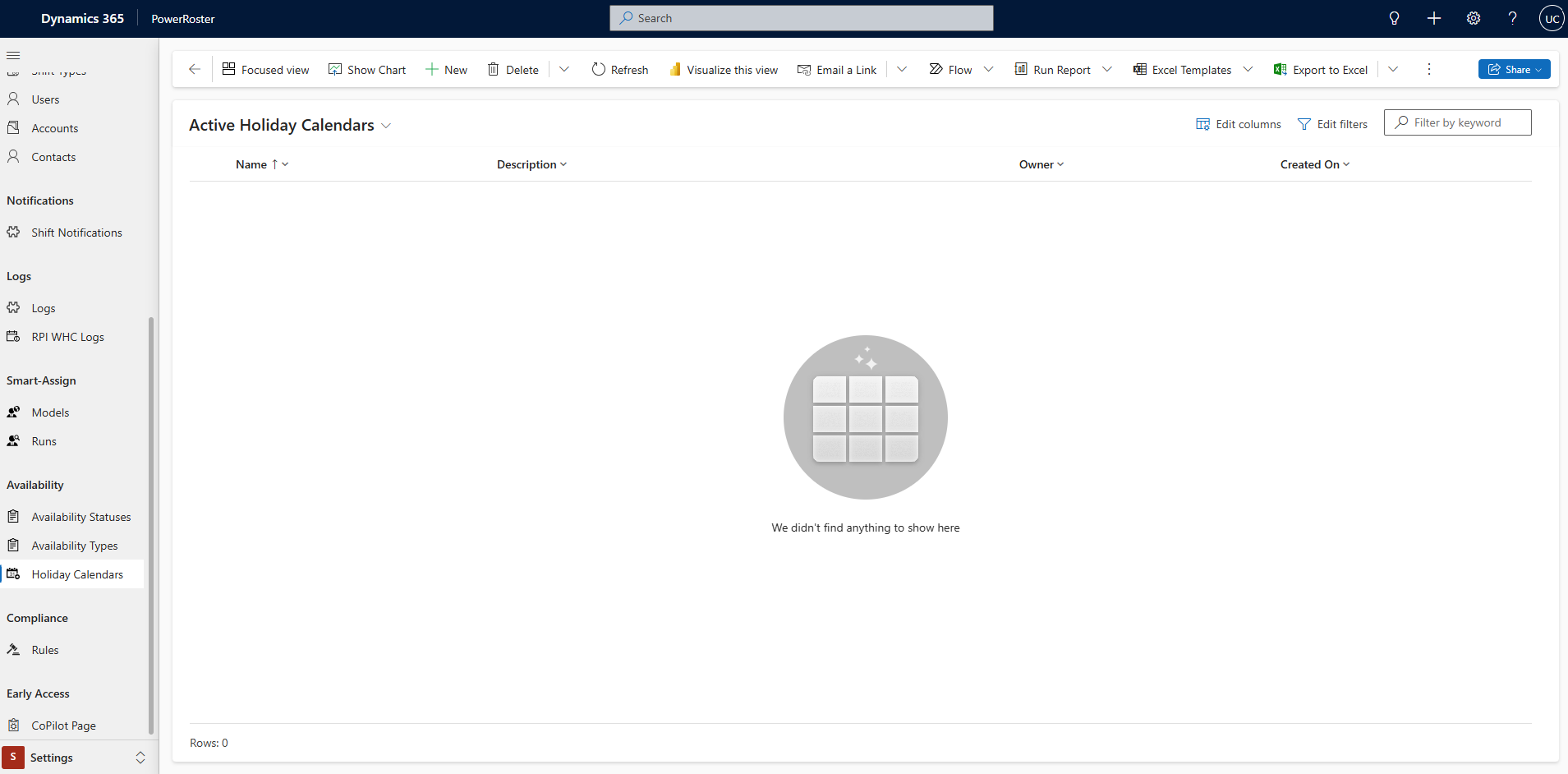
Navigate to PowerRoster App > Settings > Select Holiday Calendars.
Select +New.
Fill in the Name, and Description Save.
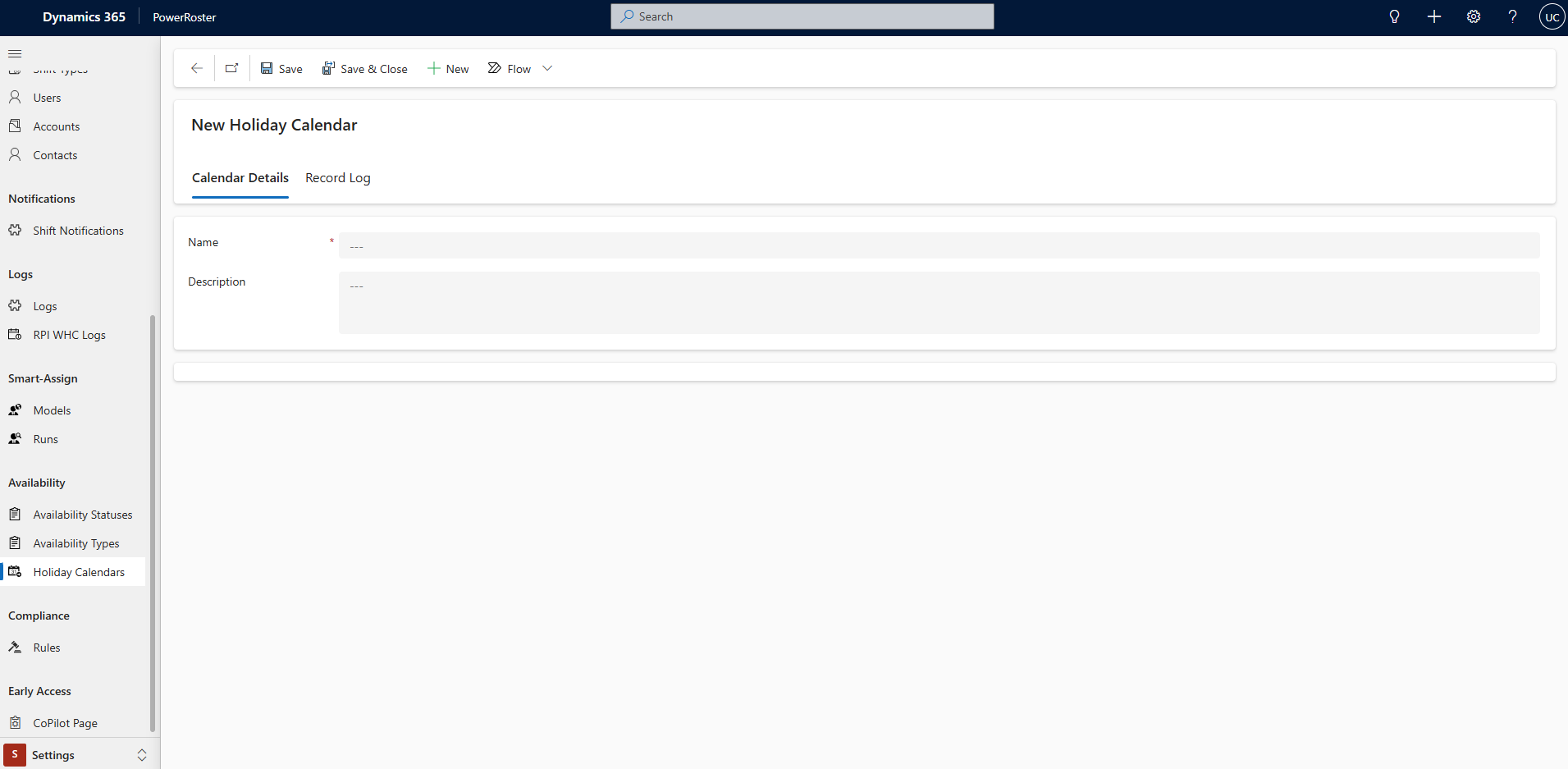
Field | Description |
*Name | Enter the Name of the Public Holiday |
Description | Any relevant information for anyone that may refer to the calendar in the future. |

Related articles
PowerRoster > Administration > Settings > Holiday Calendar Settings
PowerRoster > Past Releases > PowerRoster Release 8 > Administration > Settings > Holiday Calendar Settings
PowerRoster > Administration > Settings > Holiday Calendar Settings