Edit Time Entry
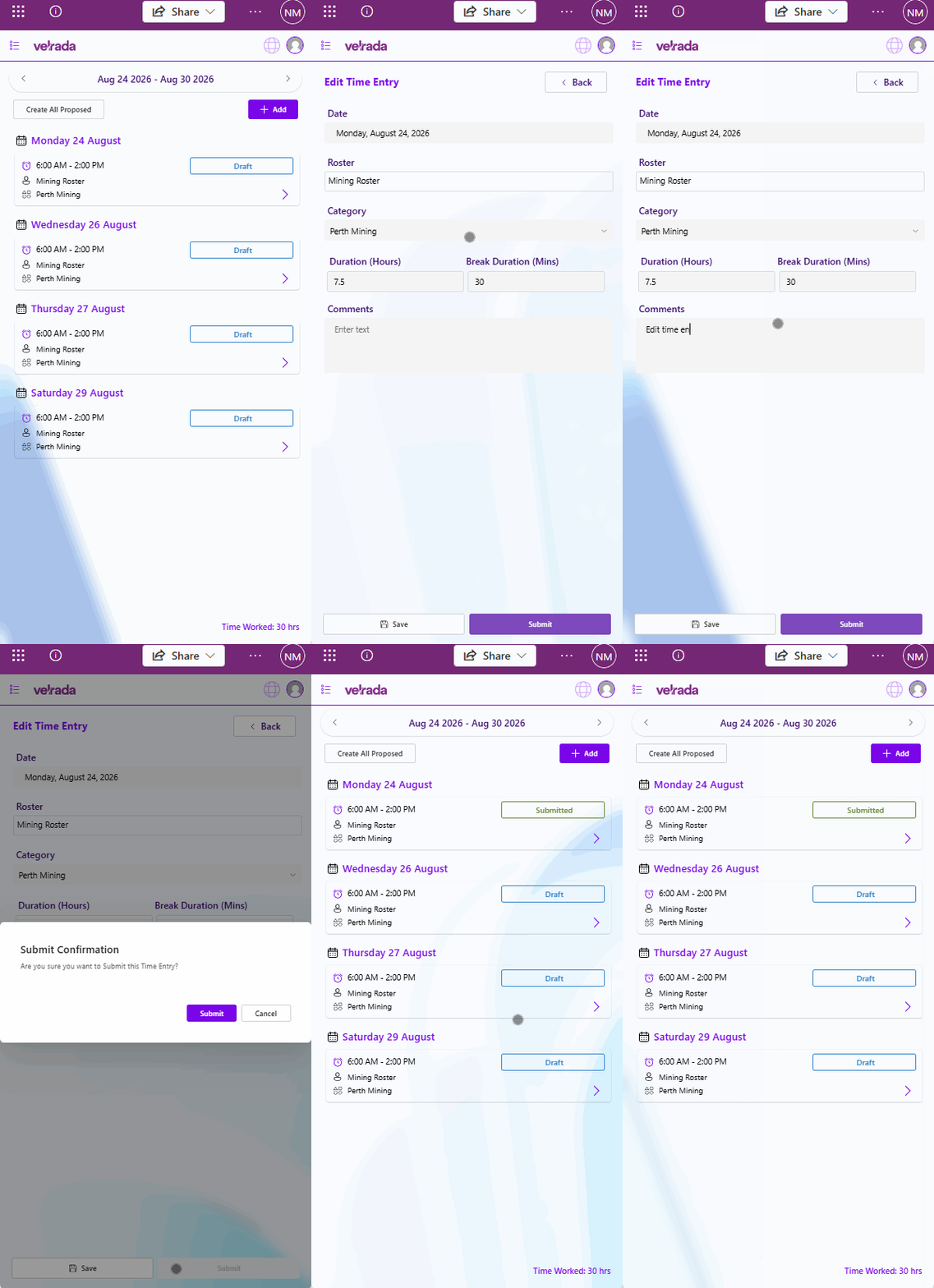
To edit an existing time entry:
Select the time entry you wish to edit.
The corresponding Time Entry Form will open.
.png)
Update the required information.
Select Save to apply your changes.
The time entry will be updated successfully.
Video Walkthrough