Rapido provides operational reporting to help you monitor data processing, review results and identify areas that may require investigation.
Four Power BI reports provide different views of platform activity:
Monitoring Report provides an overview of processing activity and status.
Log Report provides execution information for investigating processing activity and failures.
Data Quality Report shows the results of configured data quality checks.
Reconciliation Report shows record-count comparisons and variances across the data journey.
Monitor processing
Rapido records processing at run, stage and object level.
Each processing run is assigned an Execution ID and load date. These values are carried through the processing layers and can be used to trace activity associated with a particular run.
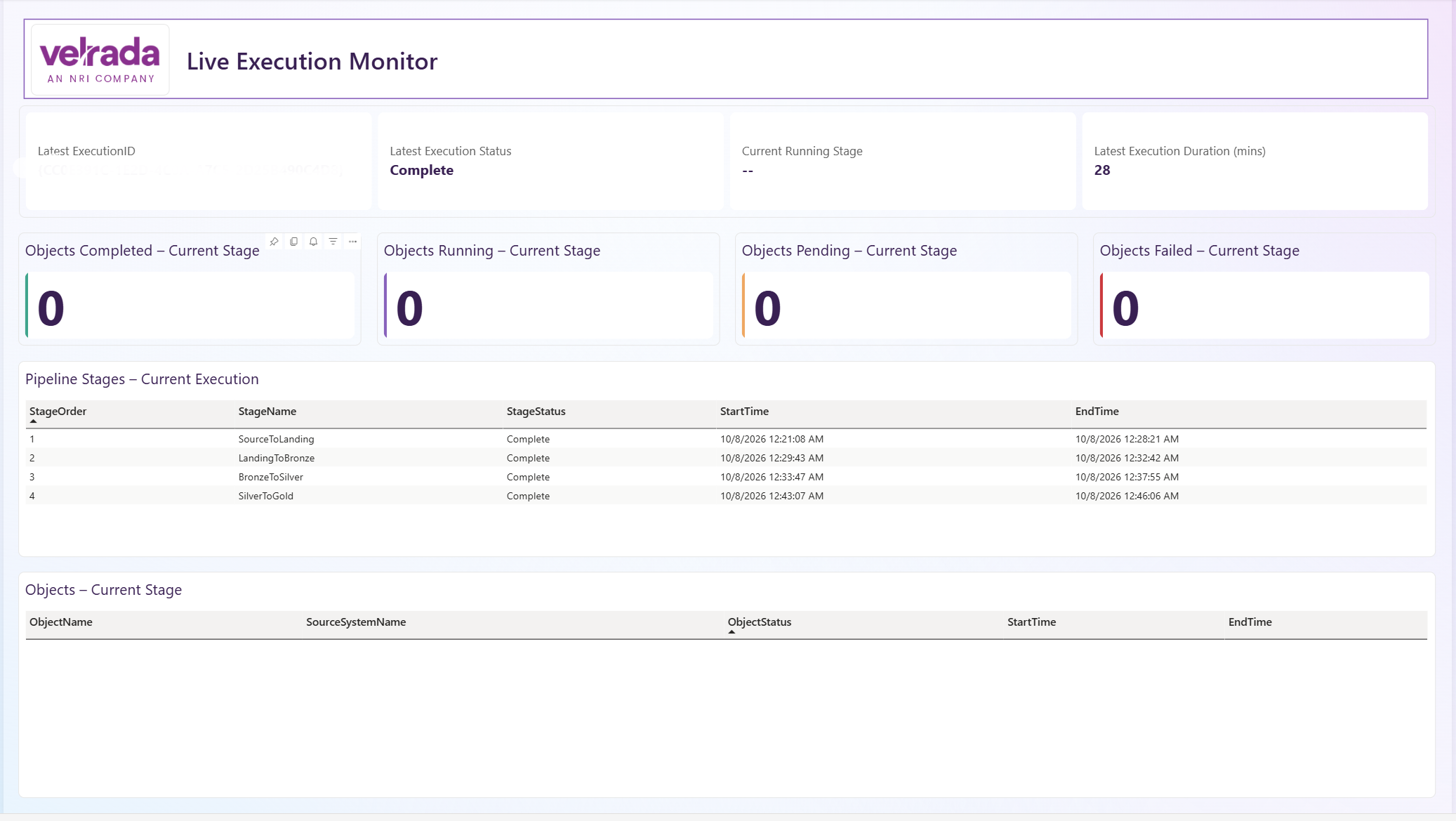
Use the Monitoring Report to review:
Execution activity
Processing duration
Processing status
Failures
Run progress
Review logs
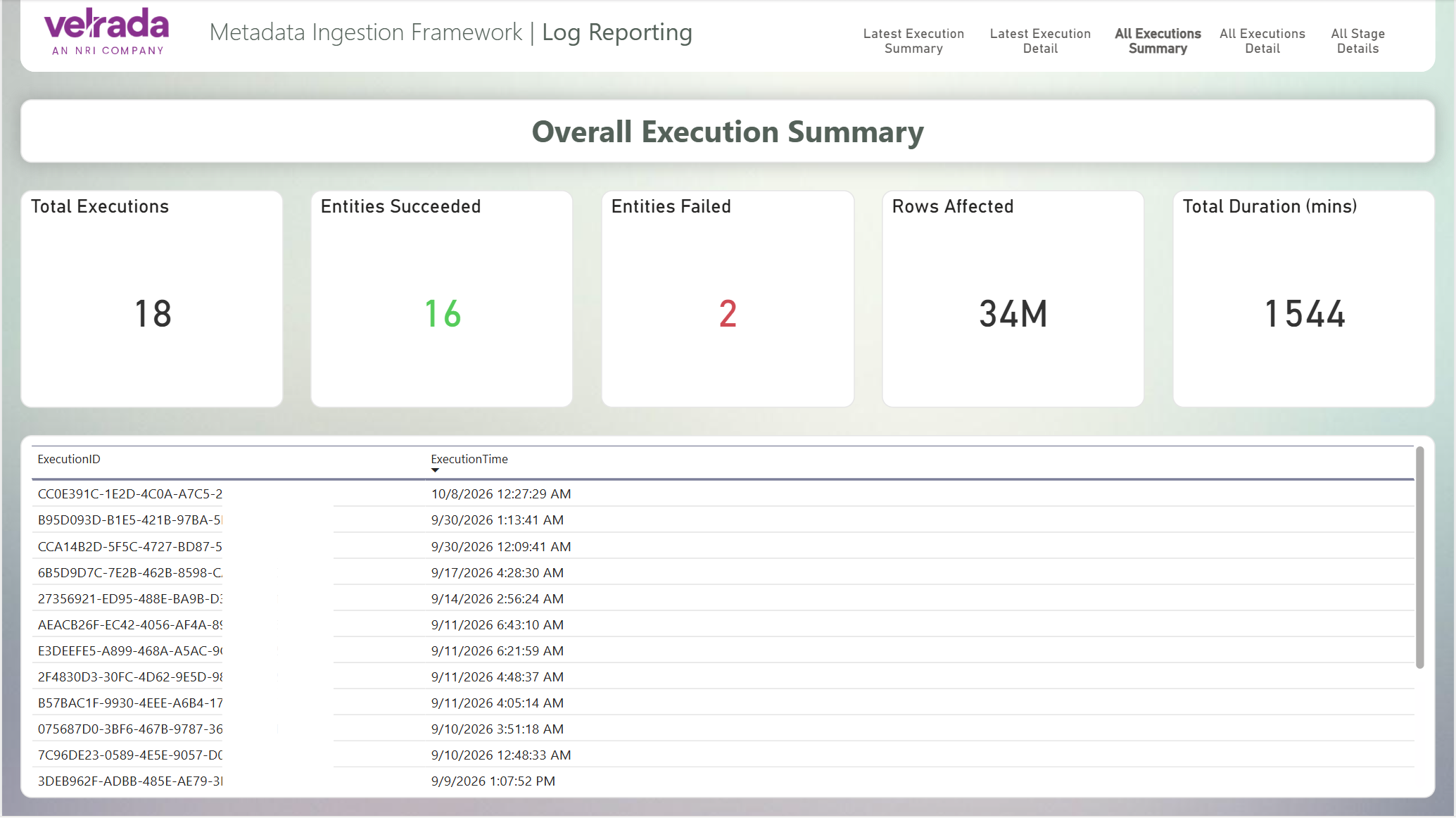
Use the Log Report when you need to investigate a run or identify where a processing issue occurred.
Review data quality
Use the Data Quality Report to identify results from configured data quality checks and exceptions that may require investigation.
For more information about the checks and how to interpret their results, see Data quality.
Review reconciliation
Use the Reconciliation Report to review record counts and identify variances that may require investigation.
For more information about reconciliation and how to interpret variances, see Data reconciliation.
Receive failure notifications
Rapido can send configured layer failure notifications to nominated:
Email recipients
Microsoft Teams channels
Recipients and destinations are controlled through alert configuration.
Note: Operational Power BI reports are refresh-based. The information shown in a report is only as current as its most recent refresh.