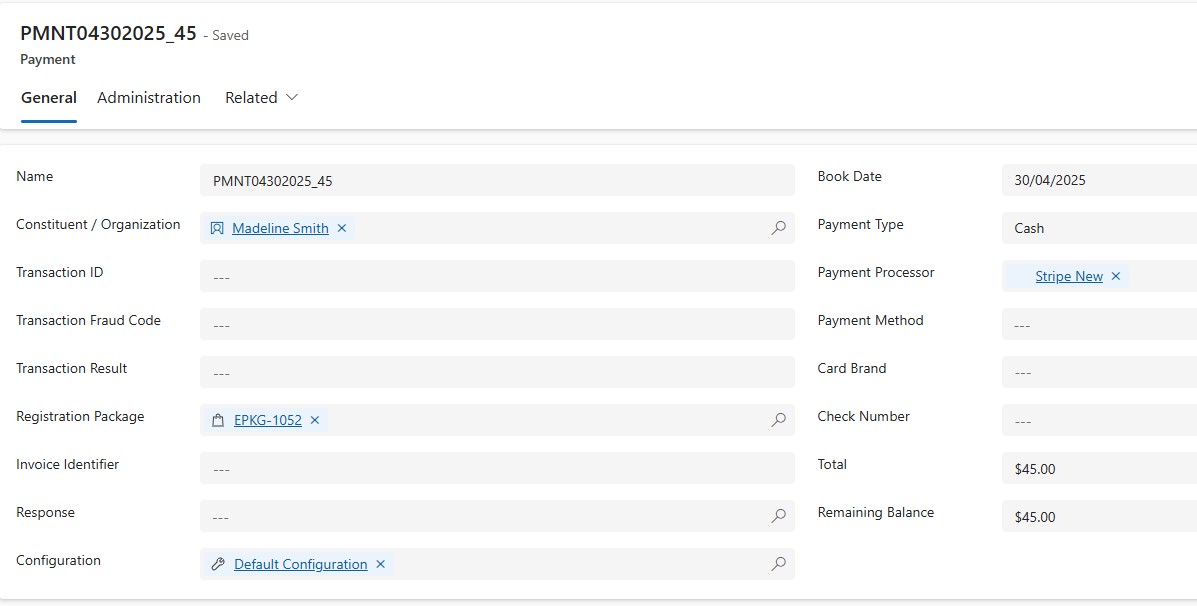
With Invoice Me, you can invoice a registrant for their event registration and process their payment.
Enable Invoice Me
Ensure that Invoice Me is enabled in your configuration record.
To enable Invoice Me for registrations, you must set the Invoice field to TRUE in the Configuration Record you're using.
On the General tab on the Event record, click on the link in the Configuration Record field.
Open the configuration record.
On the Event Configuration tab, in the EVENT SETTINGS section, set Enable Invoice to TRUE.
.png)
Process Invoice Payments
As soon as the event registration process is completed via the event registration form, the solution creates an event registration record.
If the payment type is Invoice, proceed with one or more payments by selecting Pay for This Package.
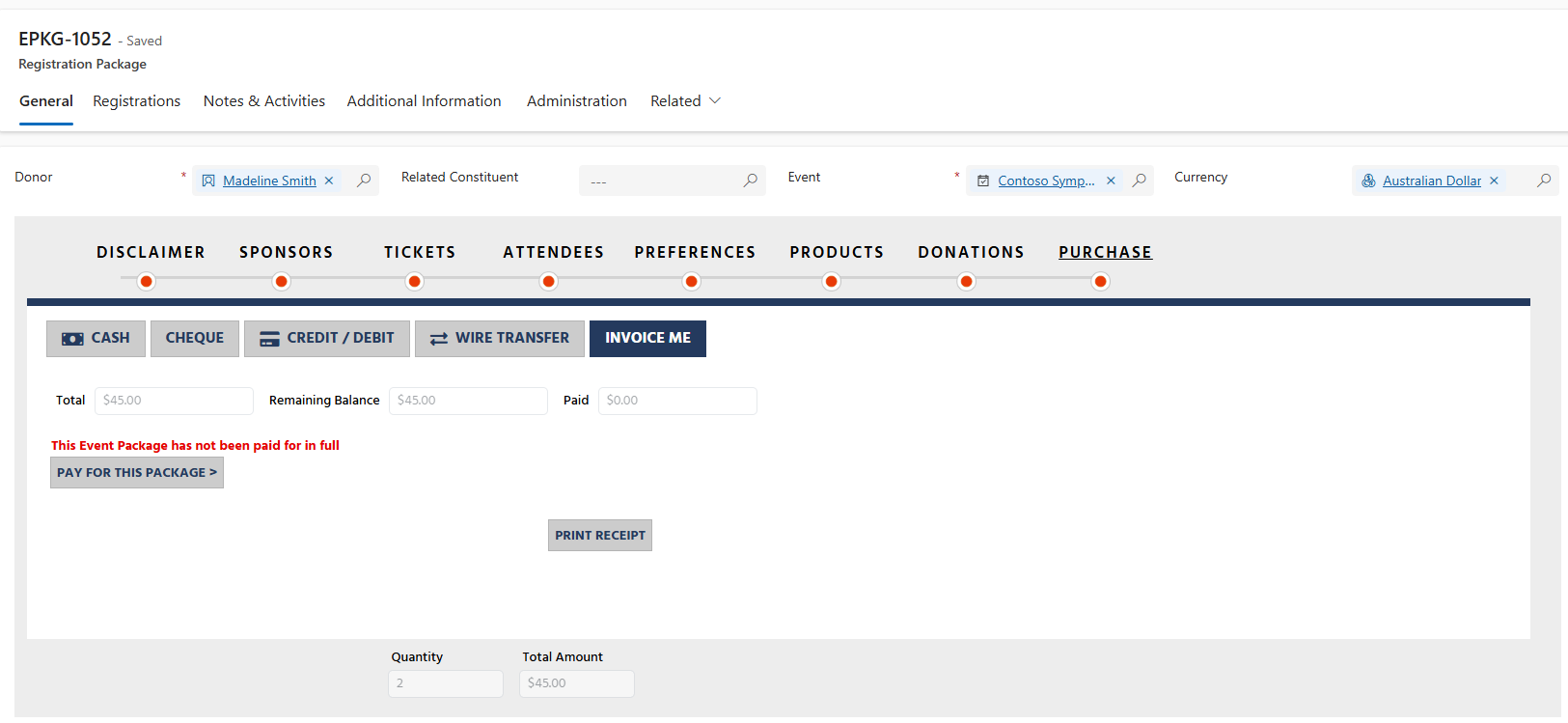
Enter the amount for this transaction into the Confirm Amount field. By selecting Process, the solution processes the payment and creates a transaction record for that payment. You can create one or multiple payments for the same event registration record.
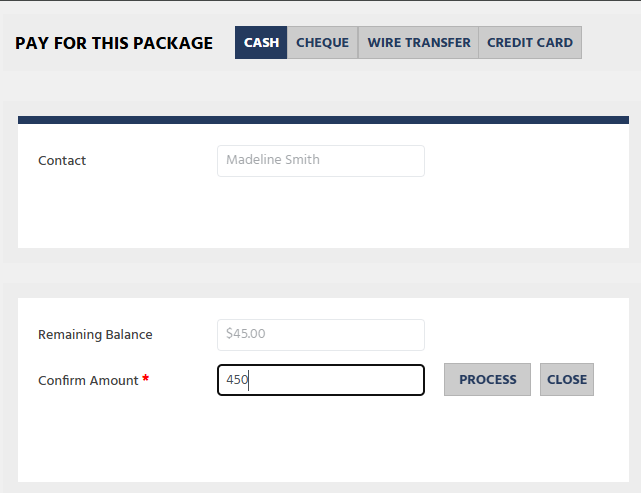
Select Process. The solution displays a confirmation message.
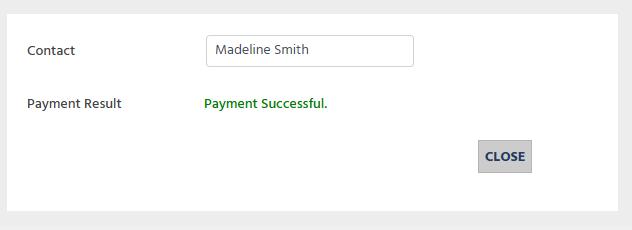
On the Related menu, select Payments.
Select a payment record to review.
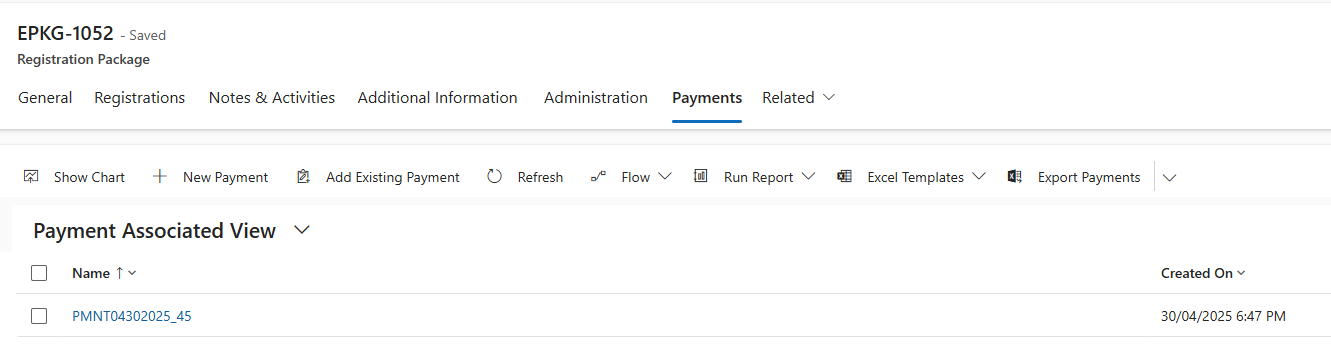
Check the description of each transaction as needed.