A Contract is a collection of Compliance Constraints that can be assigned to a Resource, Roster, Territory, or Persona. By using a Contract to manage Constraints, workforce planners can save time by easily applying a collection of Constraints.
Create a new Contract
Navigate to PowerRoster App > Compliance > Select Contracts.
Select +New.
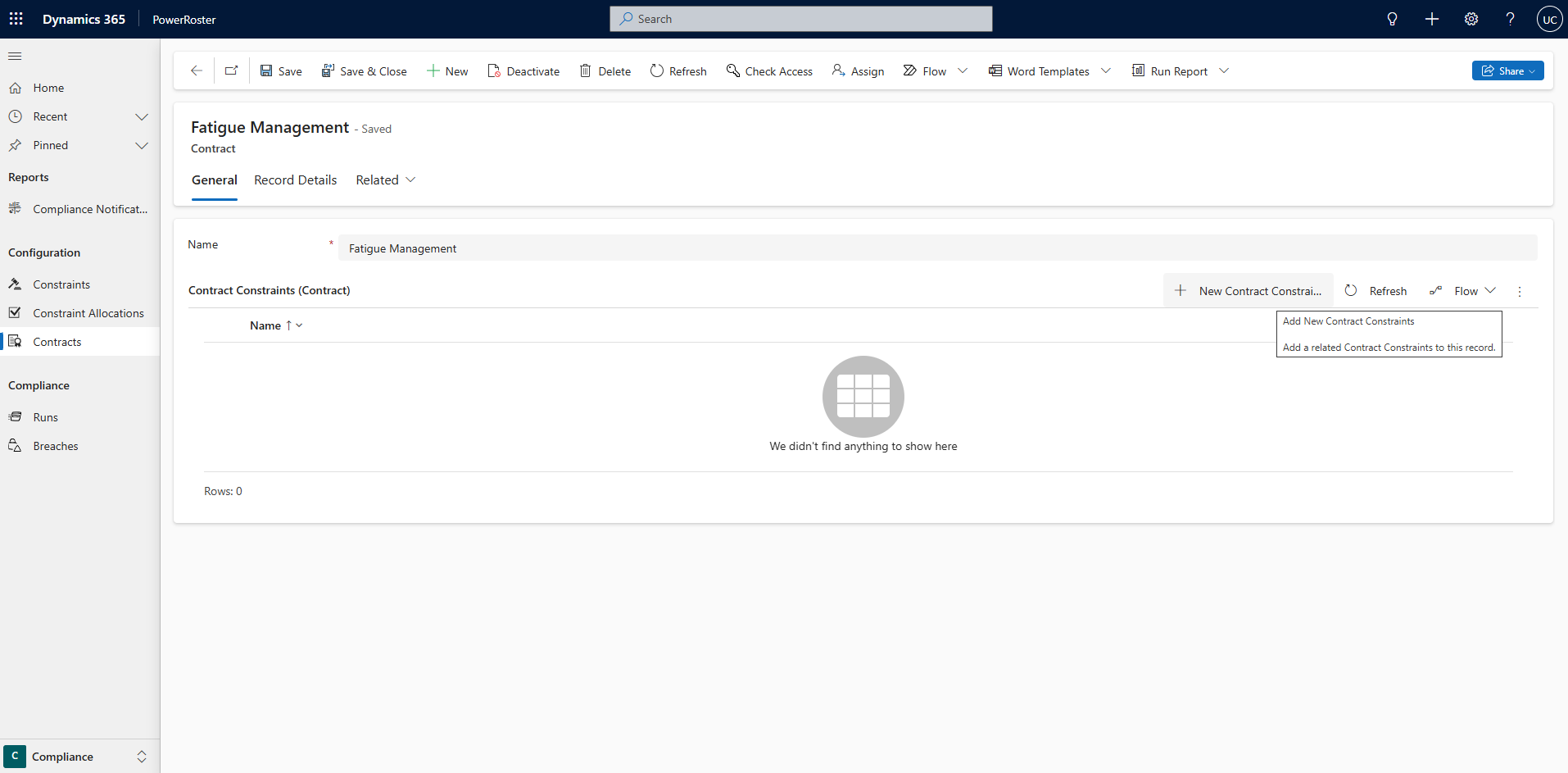
Fill in the required fields and click Save.
Field | Description |
*Name | Name of the Contract. |
Contract Constraints (Contract) | Create Contract Constraints that will be included in the Contract. |
.png)
Video Walkthrough
The following video demonstrates how to create a Compliance Contract that includes two constraints:
Shift is no longer than 8 hours
Shift is of Type - Day Shift